
Contact
Main Communication Channel — OSRN Support Chat
All OSRN and OSRN users are expected to join the support chat for user support and real-time updates. The support chat can be accessed through either OSRN Slack Workspace or https://matrix.org.
OSRN User (Institution)
❗ Don’t try contacting admins in matrix by private messages, those will be rejected. Use public rooms for general support questions.
Joining via Slack
Joining via Matrix
You can get an account using any compatible client.
Email Support
For questions about accounts, namespaces, hosted LLM access, or anything else, drop us a line.
Weekly OSRN Community Meeting or OSRN Community Mailing List
We send weekly meeting recordings and other useful info.
Matrix Registration
Joining via web page
Navigate to our web version of Element client if you want to use the OSRN homeserver with full support by the OSRN team. A lot of users also use the default Matrix.org homeserver or other custom homeservers, but we might not be able to help with issues that may arise. Nonetheless, other homeservers also work, so if you think you will use Matrix outside OSRN frequently, you may create an account and login using the Matrix.org homeserver.
Choose Create Account, then create an account by entering a desired username, password and email.
After that you’ll get an account of the form
@username:matrix.ostrn.org, which you can use to join rooms in any federated [matrix] resource, including the original https://matrix.org.Click explore rooms button. Check that you’re exploring the OSRN server (matrix.ostrn.org). You’ll automatically join the OSRN General channel and the News channel. For all other homeservers including Matrix.org, you can directly access and join the OSRN Matrix Space (or join using the address
#ostrn:matrix.ostrn.org) for all channels.
Make sure to backup your encryption key to always have access to your encrypted messages! Go to User Settings -> Security & Privacy and click Start using Key Backup. There’s a pretty detailed FAQ on using the Matrix Element client including the security. Having email set will let you recover your account password (but not the encryption keys!).
Using this Matrix account, you may also join various IRC Networks, or any Gitter community. The IRC bridge is an especially useful functionality of the Matrix protocol. Even when you are offline, the Matrix client will continue to receive your IRC messages and bring up notifications when someone mentions you.
Subscribing to news
You will automatically join the News channel after registration. If you want to get email alerts from it, in Element click the channel icon on top, Settings -> Notifications, and choose All messages.
Alternative web app
You can also try a similar web app Cinny
Joining via mobile apps
Get a phone or desktop version of element or any other compatible client
Change the server to the OSRN one:
- Click the change server button
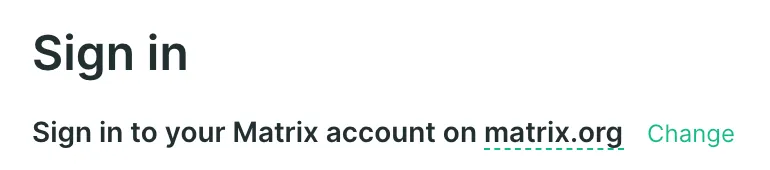
- The OSRN matrix homeserver URL is
https://matrix.ostrn.org
Follow the Joining via web page guide from step 2
Make yourself discoverable
To let us find you by email (in case we need to link your OSRN account to your matrix account) please enable the identity server integration. Go to Settings in Element (Your Account -> All Settings -> Security & Privacy) and click Accept under the Privacy header:
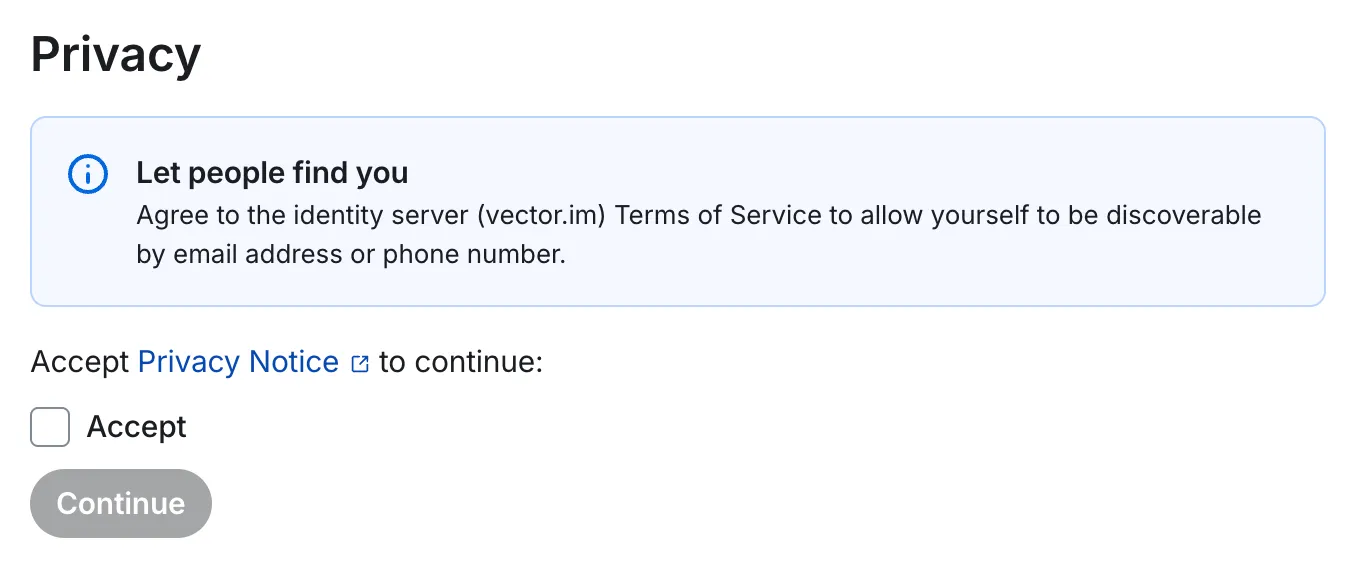
and then Continue.
After that click Share for each Email address that you want to be discoverable by. The email will be protected agains harvesting and will only be used to find your account by persons knowing your email already.
User guide
Official user guide for using Element
Possible issues
If you’ve created the account on matrix.org server (not the OSRN one), and have the user ID like @username:matrix.org, you should use the standard https://app.element.io web page to log in.